Creating Your Account
To get started with Hub Digital, you'll need to create an account:
- Visit the Sign Up page
- Enter your first name, last name, email, and choose a password
- Click Create Account
- Check your email inbox for a verification link
- Click the link to verify your account
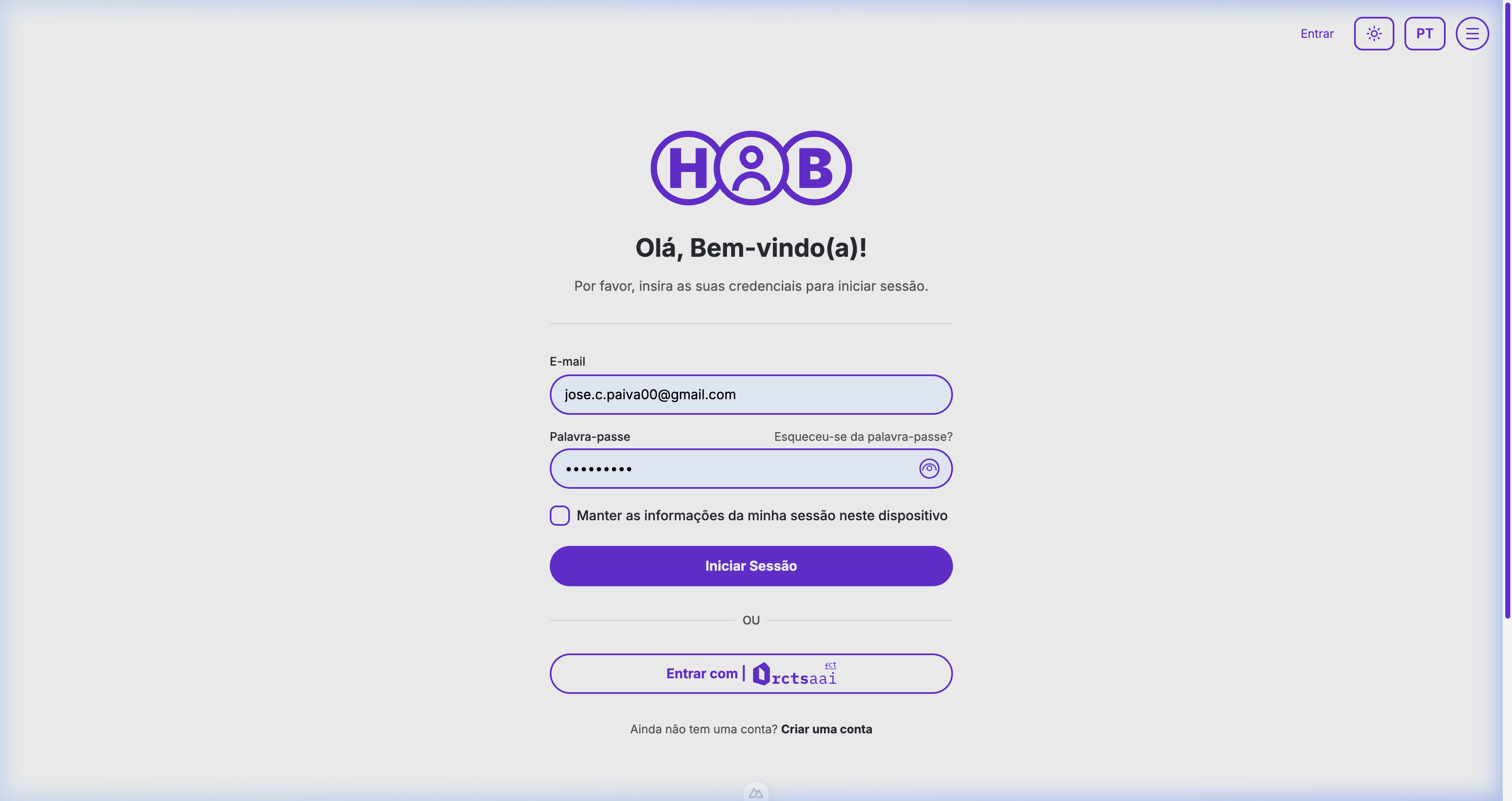
Alternative Login Methods
You can also sign in using your institutional credentials:
- RCTS AAI — For Portuguese academic institutions
Accepting an Invitation
If you received an invitation email:
- Click the invitation link
- Set your password
- Optionally complete your profile with your name
- Start exploring the platform
Navigating the Platform
Homepage
The homepage features the Hub Graph — an interactive visualization of the platform's main areas. You can:
- Click the Catalog node to browse courses, resources, and tools
- Click the Communities node to explore community features
- Talk to Toti — The AI assistant in the center who can help you navigate
Main Navigation
The navigation bar gives you quick access to:
- Cursos (Courses) — Browse and enroll in courses
- Recursos (Resources) — Discover educational resources
- Ferramentas (Tools) — Find digital tools for education
When logged in, you'll also see your avatar to access your profile and dashboard.
Your First Steps
- Complete your profile — Visit Account Settings to add your personal info
- Browse courses — Go to Courses and enroll in a course
- Explore resources — Check out Resources for educational materials
- Track your progress — Visit your Dashboard to see your stats
- Chat with Toti — Click the chat bubble to ask the AI assistant for help
Language Support
Hub Digital supports both Portuguese and English. You can switch languages at any time using the language toggle in the navigation bar.